

BasicOps for Gmail
Convert Emails into Tasks Instantly
With BasicOps for Gmail:
Turn email into tasks fast
Streamline your workflow
Declutter your inbox
Reduce time organizing
Never miss a deadline
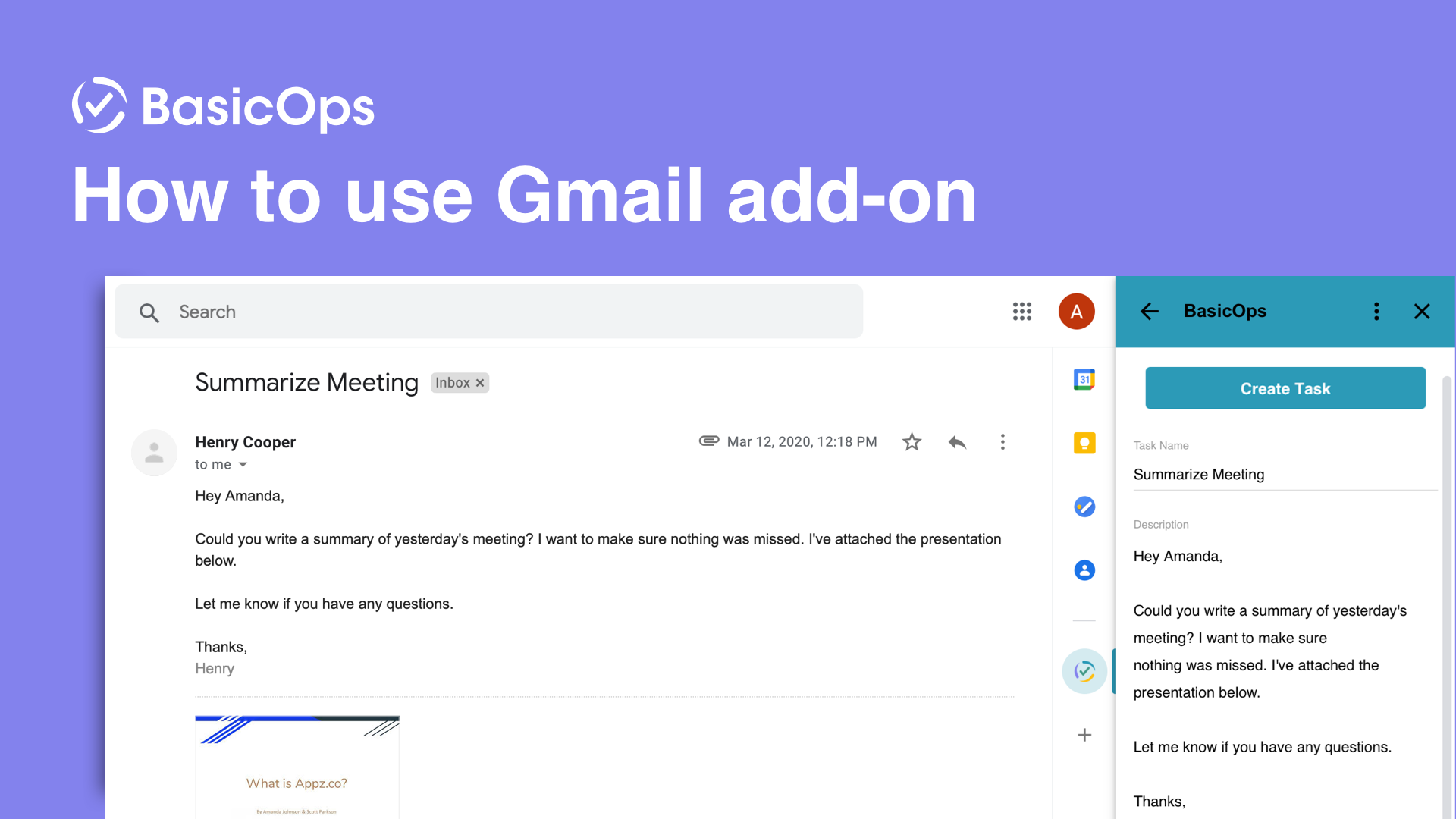
No need to spend time manually transferring information. Now, you can focus on what truly matters, collaborating on tasks to get things done.
Effortlessly Turn Emails Into Tasks
Using BasicOps for Gmail is as simple as clicking on an email and selecting the BasicOps icon in the sidebar. The email is converted into a task, ready for you to review. You can easily:
Include attachments
Edit the description
Tweak the due date
Add the task to a project
Assign to team members
“Projects come in through my Gmail, and I can add them as tasks via BasicOps. I can add the attachments from the email to the task, and everything easily goes through!”
Convert Emails into Tasks Fast
Turn inbox clutter into an organized task list in BasicOps
Don’t worry about missing things or spending extra time organizing your tasks. With BasicOps for Gmail, you can create tasks and add any related information all in BasicOps instantly. Now everything is tracked for you and your team.
Your team will now have all the right information to get things done. With BasicOps for Gmail, you can be sure you are tracking deadlines and priorities together.
Quickly Find Task Related Emails
Need to find an email related to a task? No problem! Just check the task in BasicOps and click the link to the original email. BasicOps for Gmail makes it simple to track work and make progress.

Available in the Google Marketplace
Join the growing number of users who are unlocking the power of
BasicOps and Google Workspace to get things done, and done right.
