


Granola notes, straight to BasicOps
Your meeting notes don’t need to be hidden. Connect Granola to BasicOps.
Turn Action Items into Tasks.
When your meeting ends, your notes will automatically arrive in BasicOps. Share the note with team members, create tasks, and review critical information with having to switch apps.
How to setup your Granola connection.


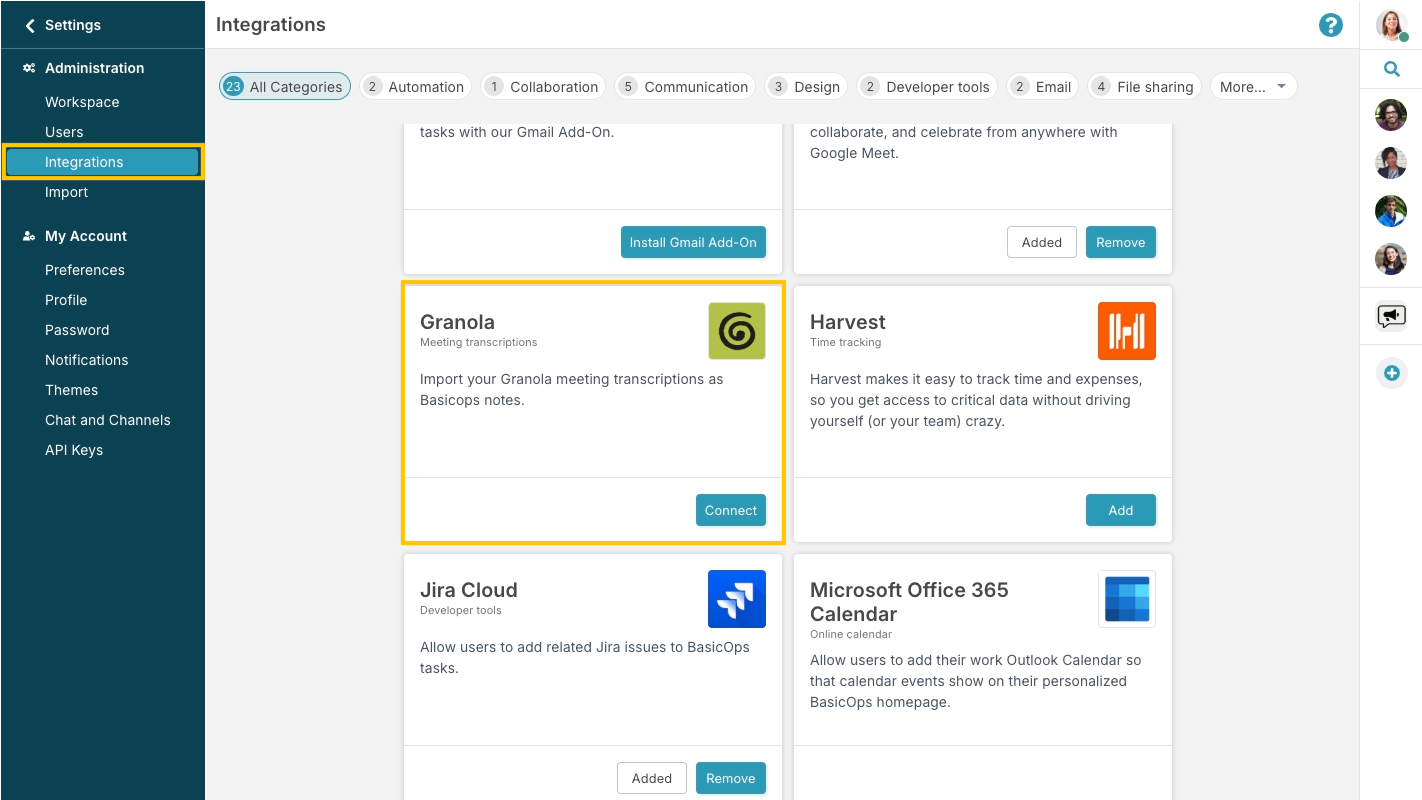
Open Integrations in BasicOps
Select Connect under the Granola card. You need to be an admin in your workspace to view this.


Get API Key in Granola
In Granola, copy the API Key and paste it into the BasicOps prompt.


All set!
Next time you end a meeting, you will see your meeting notes in BasicOps.