


Your AI assistant
Now speaks BasicOps
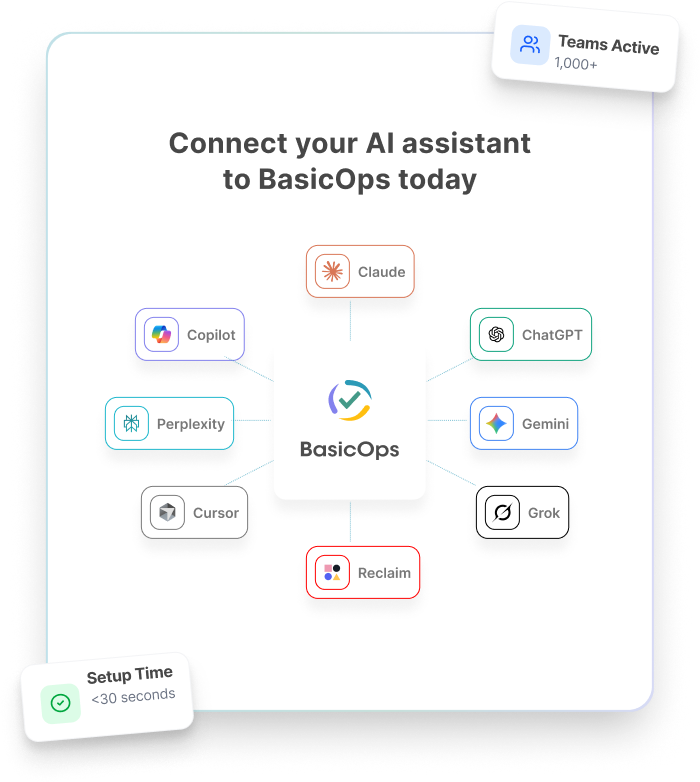
The BasicOps MCP Server connects your favorite AI tools directly to your tasks, messages, and projects. Manage your work through natural conversation.
Trusted by 1,000+ fast-moving teams








What is the BasicOps MCP Server?
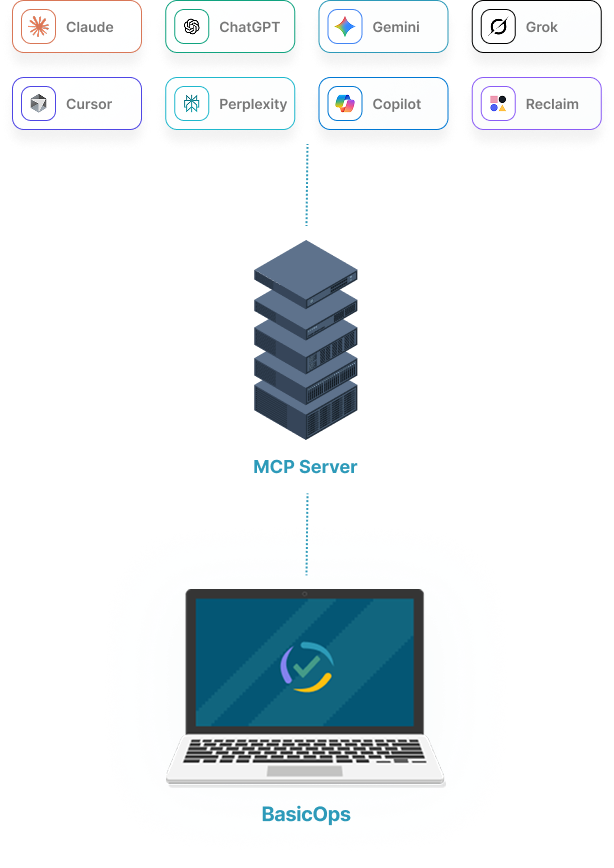
MCP (Model Context Protocol) is an open standard that lets AI assistants connect to the tools you already use. Think of it as a universal translator between your AI and your work.
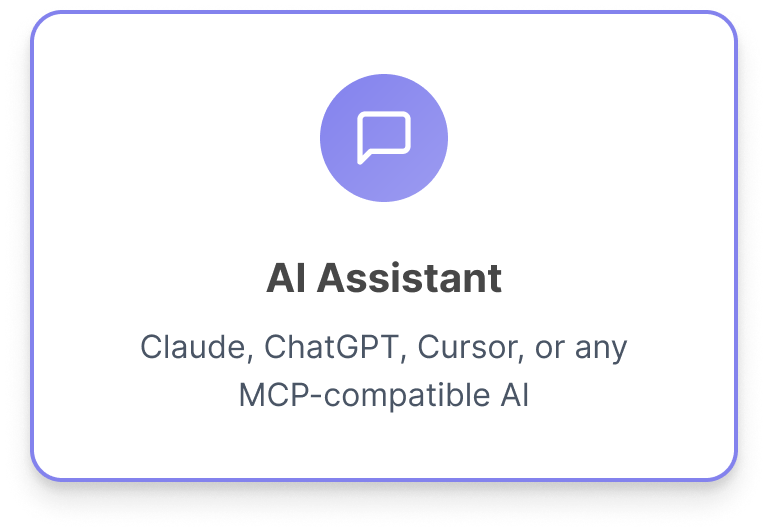
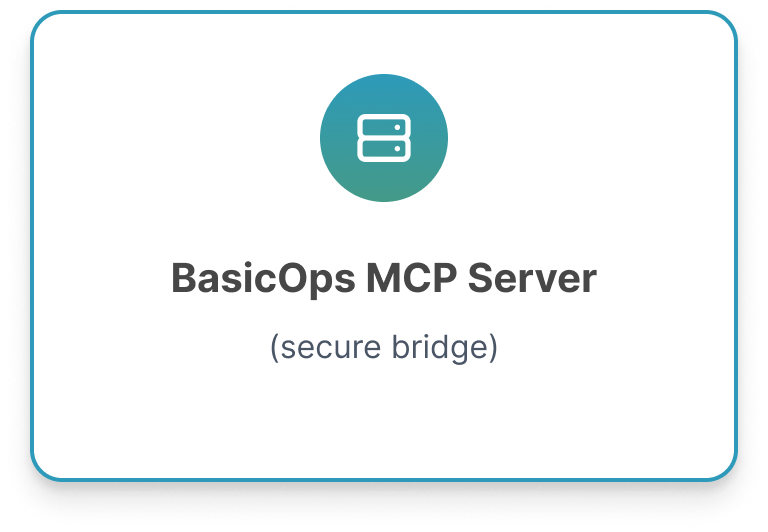
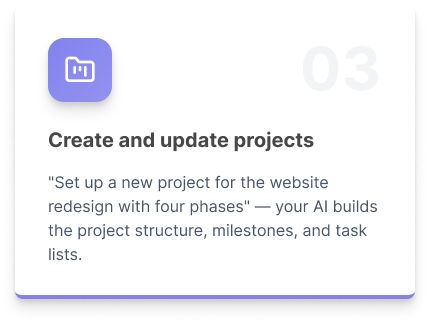
The BasicOps MCP Server gives AI assistants like Claude, ChatGPT, and Cursor secure, direct access to your BasicOps workspace. Instead of copying information back and forth, your AI can read your tasks, send messages, create projects, and pull reports — all through natural conversation.
Why this matters: BasicOps is the only PM tool with built-in messaging tied to every task and project. With our MCP Server, your AI assistant gets access to both your project data and your team conversations in one place — no Slack integration needed.
Connect your AI assistant to BasicOps today

Architecture Diagram

What you can do with it
Your AI assistant gets full access to your BasicOps workspace. Here are some of the things you can do through natural conversation.
Key Benefits
✓ No copy-paste — Your AI reads and writes directly to BasicOps. No more toggling between tabs to relay information.
✓ Messages + tasks in one query — Because BasicOps has built-in messaging, your AI can connect conversations to tasks without needing a separate Slack integration.
✓ Always current — Your AI pulls live data from your workspace — not a stale export. Assignments, statuses, and messages are always up to date.
✓ Works with your AI of choice — Claude, ChatGPT, Cursor, VS Code Copilot, or any MCP-compatible client. One server, every major AI platform.
For Teams
Manage work through conversation
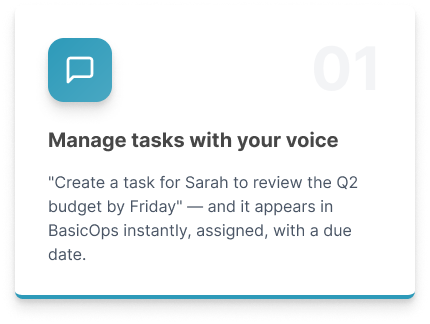
✓ Create, assign, and update tasks without opening BasicOps
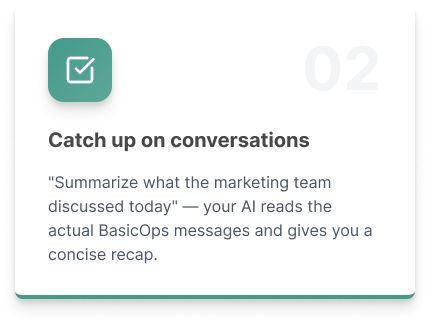
✓ Catch up on team conversations with AI-generated summaries
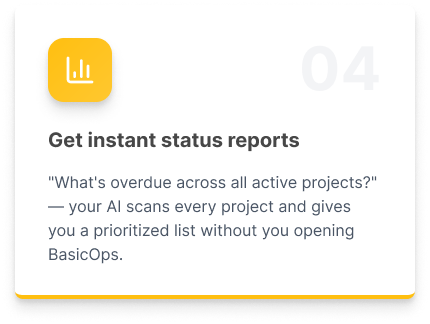
✓ Get instant status reports across all your projects
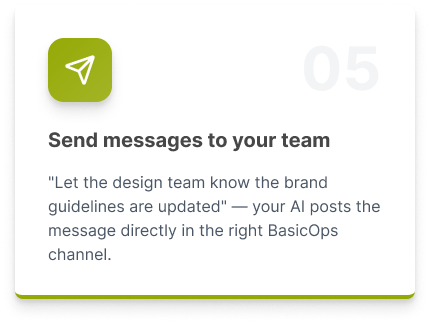
✓ Send messages to the right channels through your AI assistant
✓ Reduce app switching — your AI handles the back-and-forth
✓ One-click setup with OAuth — no API keys to manage
For Developers
Build on a standard protocol
✓ Full MCP specification support with OAuth 2.0 authentication
✓ Access tasks, messages, projects, files, and user data via one server
✓ Build custom AI workflows and agents that interact with BasicOps
✓ No per-tool API wrappers needed — MCP is the universal interface
✓ Permissions inherit from your BasicOps workspace settings
✓ Open-source SDKs available in TypeScript and Python
Works with the tools you already use
Why BasicOps has a unique MCP advantage
Most PM tools that offer MCP servers only expose task and project data. Your AI still can’t read team conversations because those live in a separate tool like Slack.
BasicOps has built-in messaging tied to every task and project, so our MCP Server gives your AI access to both your work and your communication in one connection. That means:
• Richer context — Your AI sees the full picture: what was decided, who said what, and what tasks resulted from the discussion.
• Better summaries — Catch-up reports include both task status and conversation highlights, not just a list of overdue items.
• Fewer blind spots — No information falls through the cracks between a PM tool and a separate messaging app.
• Lower total cost — One MCP connection replaces what would require a PM server + a Slack server on any other platform.
Compare Features at a Glance
Capability via MCP |
BasicOps |
Others |
|---|---|---|
| AI can create and manage tasks |  |
|
| AI can read project status | |
|
| AI can read team messages | |
 |
| AI can send messages to channels | |
|
| AI can link conversations to tasks | |
|
| Single MCP connection for PM + chat | |
|
| No Slack/Teams integration needed | |
|
Secure by design
OAuth 2.0 Authentication — Secure token-based access. No passwords or API keys stored in your AI client configuration.
Permission Inheritance — Your AI can only access what you can access. Workspace roles and permissions are always respected.
Frequently Asked Questions
-
MCP (Model Context Protocol) is an open standard created by Anthropic and now maintained by the Linux Foundation. It gives AI assistants a secure, standardized way to connect to external tools and data. Instead of building custom integrations for every AI platform, one MCP server works with all of them — Claude, ChatGPT, Cursor, and more.
-
No. If you already use an AI assistant like Claude or ChatGPT, connecting to BasicOps takes a few clicks. You authorize the connection through OAuth (the same “Sign in with...” flow you use for other apps), and your AI can immediately start working with your BasicOps data.
-
Your AI can only access what you can access. The MCP Server inherits your existing BasicOps permissions. If a project or channel is restricted, your AI cannot see it either. Workspace admins retain full control over access levels.
-
A traditional API requires developers to write custom code for every integration. MCP is specifically designed for AI — it provides tools, context, and structured responses that AI assistants understand natively. This means your AI can figure out how to use BasicOps on its own, without custom code for each task.
-
Your AI gets full platform access: create and manage tasks, read and send messages, set up projects, pull status reports, manage assignments and due dates, search conversations, and share files. Essentially, anything you can do in BasicOps, your AI can do through conversation.
-
The BasicOps MCP Server is included with all BasicOps plans at no additional charge. You will need an active account with a supported AI client (Claude, ChatGPT, etc.), which may have its own subscription costs.
-
Most PM tools that offer MCP servers only expose task and project data. Your AI still can’t read team conversations because those live in a separate tool like Slack. BasicOps has built-in messaging tied to every task and project, so our MCP Server gives your AI access to both your work and your communication in one connection.
-
For all plans, if you are an Admin, you can easily invite external users. Simply go to the Admin section and navigate to External Users. External Users have similar access rights as a user. Learn More
For Professional, Business, and Enterprise versions you can invite Clients, Customers, Agencies and Vendors into your workspace. For Professional, you can only add up to 10 members. Learn More
Ready to connet your AI to your work?
Set up the BasicOps MCP Server in minutes. No code required for end users — just authorize and start talking.