
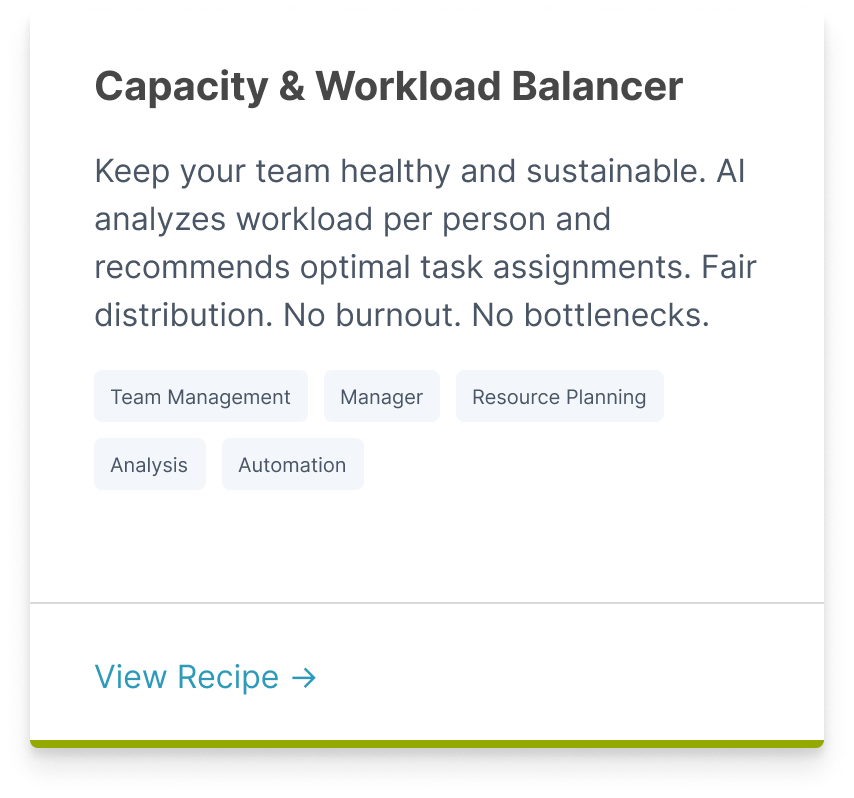
AI analyzes your team's capacity in BasicOps and recommends optimal task assignments. Considers each person's current workload, skills (inferred from past tasks), and availability. Suggests who should take on new tasks to balance the team load.
Capacity & Workload Balancer
Capacity & Workload Balancer
Loading prompt…
How to Use It:
Open your chat app
Load the agent instructions
Trigger with: 'Balance my team's workload' or 'Who should take on these new tasks?'
Review the recommendations in chat (who's loaded, who's available, suggested assignments)
Refine if needed: 'Jane is actually out next week' or 'We need this work done by Tom specifically'
Tell the agent to apply the recommendations to BasicOps
Check BasicOps—tasks will be reassigned to balance the team load
Minimum Requirements:
MCP connection to BasicOps (required)
At least 3+ team members with assigned tasks in BasicOps
Team members should have clear current task assignments so AI can assess load
Value It Brings
For BasicOps:
Shows real-time team capacity and utilization
Demonstrates how BasicOps drives smart resource allocation
Encourages consistent task ownership and progress tracking
For the User:
Prevents burnout by distributing work fairly across the team
Ensures skills are matched to tasks (senior dev on complex work, junior on growth)
Identifies under-utilized team members before they become bottlenecks
Takes guesswork out of assignment decisions
Related Recipes

Move Faster with Structured Workflows
BasicOps MCP recipes turn scattered inputs into consistent, high-quality outputs—so your team can focus on execution, not formatting prompts.