
Project Creator
Build an entire project structure in BasicOps from a simple description. User describes the project in chat, and AI generates a complete project with tasks, subtasks, due dates, dependencies, and task durations. All created automatically in BasicOps with zero manual setup.
Project Creator
Loading prompt…
How to Use It:
Open your chat app
Load the agent instructions (paste below into your system prompt)
Describe your project in plain English. Example: 'Create a project for launching a new landing page. Needs design, copy, development, testing, and launch coordination. Due in 4 weeks.'
Review the generated project structure in the chat app
Ask for refinements if needed: 'Add more detail to the design phase' or 'Shorten the timeline'
Tell the agent to create this project in BasicOps
Check BasicOps—your project will appear with all tasks, subtasks, and dependencies ready to assign
Minimum Requirements:
MCP connection to BasicOps (required)
Project description should be 2-3 sentences (scope, key phases, deadline)
Agent needs permission to create projects and tasks in BasicOps
Value It Brings
For BasicOps:
Demonstrates AI-powered project planning capability
Shows how BasicOps becomes the central planning hub
Encourages more detailed project planning upfront
For the User:
Saves 30-45 minutes of manual project setup and task creation
Eliminates the blank-page problem—AI structures the work for you
Automatically captures dependencies and critical-path thinking
New projects are ready to assign and execute immediately
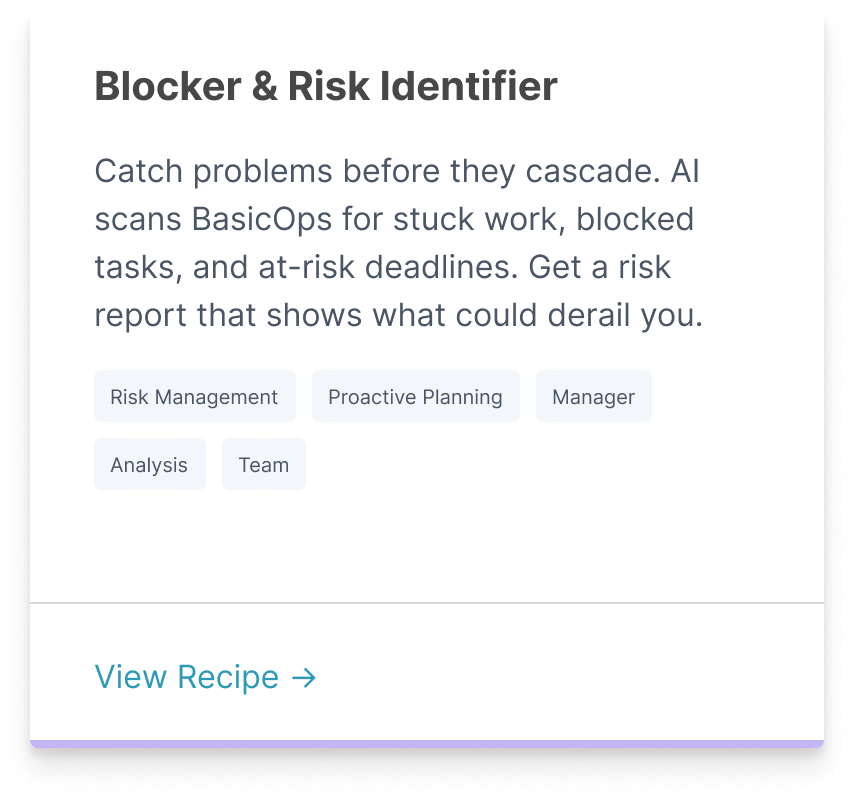
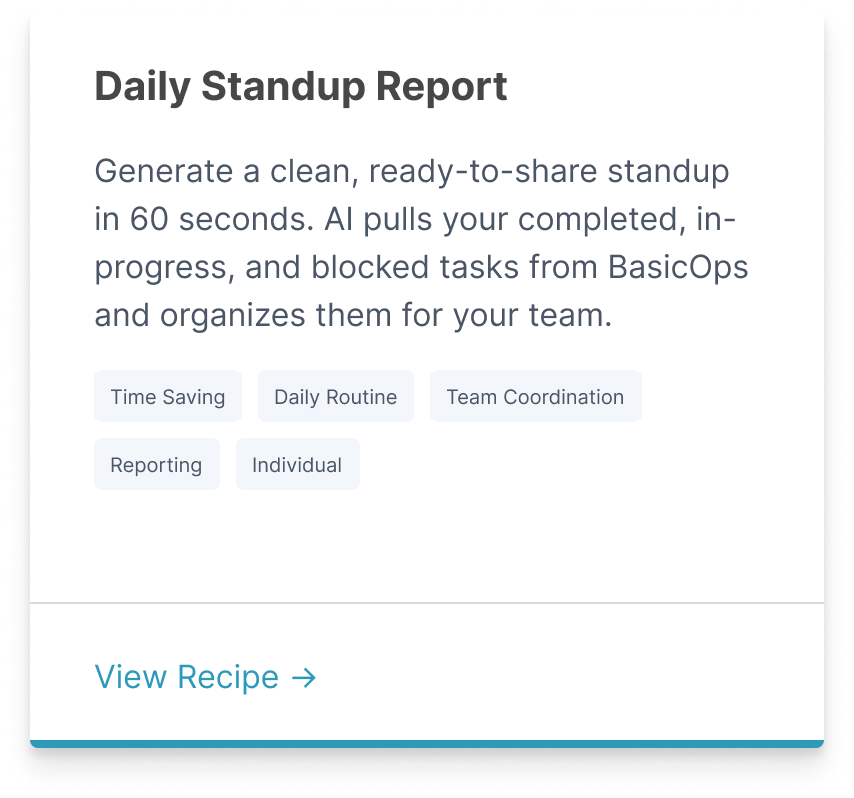
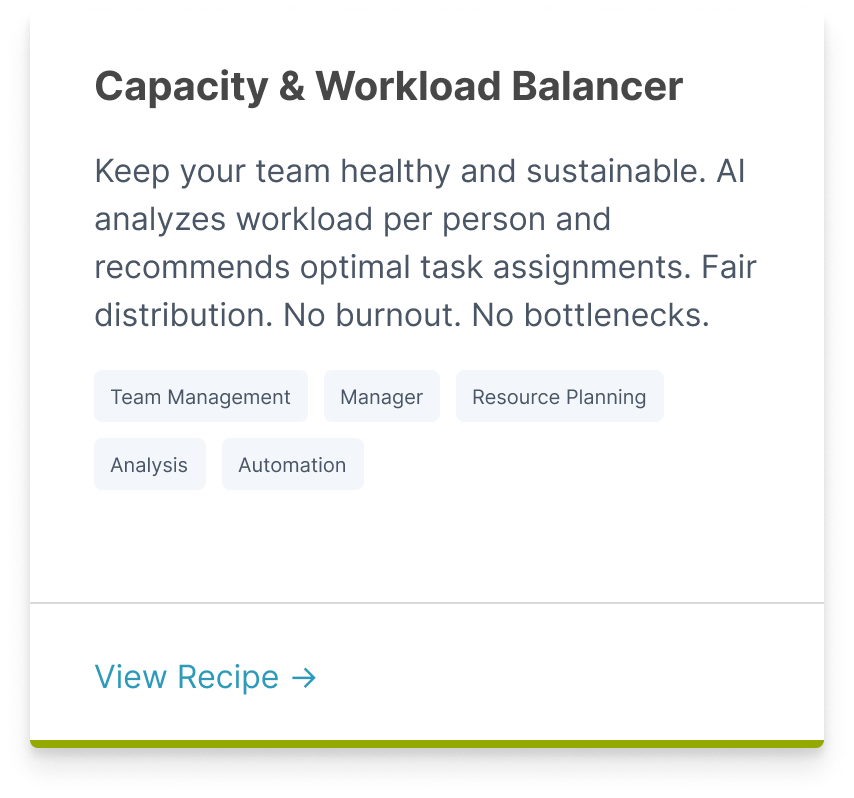
Related Recipes

Move Faster with Structured Workflows
BasicOps MCP recipes turn scattered inputs into consistent, high-quality outputs—so your team can focus on execution, not formatting prompts.