
Find Anything, Instantly: Introducing Unified Search
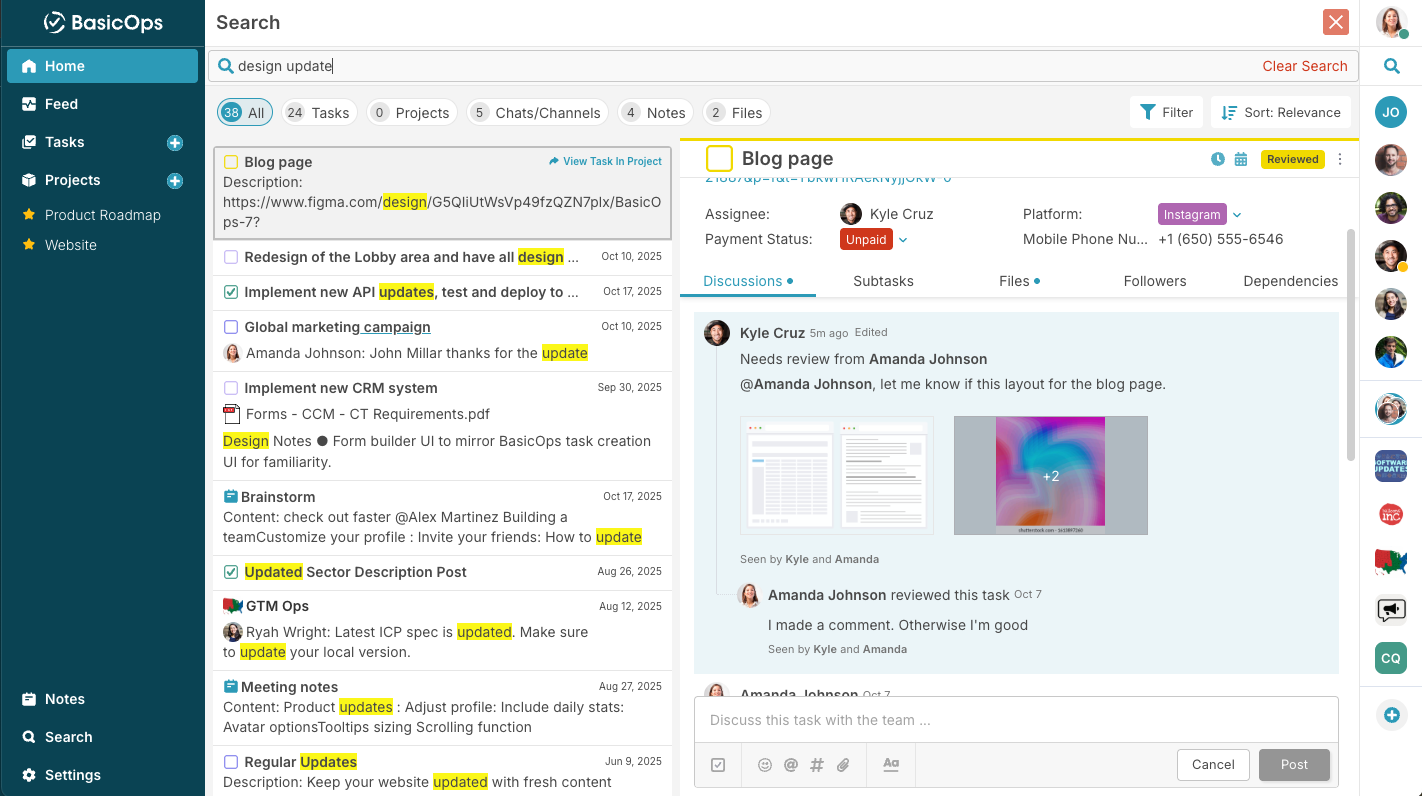
Work Is Everywhere, Information Is Nowhere
The average knowledge worker spends nearly 19% of their week searching for and gathering information according to McKinsey Digital[¹]. That’s almost one full day lost each week to clicking through tabs, digging through threads, or scrolling through files just to find what’s needed.
Fragmented tools make this worse. Conversations live in Slack, documents in Google Drive, tasks in Asana, and files in email threads. The result is friction, confusion, and delay. Every minute spent looking for information is a minute not spent moving work forward.
One Search, One Source of Truth
At BasicOps, we believe productivity happens when everything you need is in one place and accessible in context. Our hypothesis was simple:
If teams could find what they need instantly, across all their work, they would spend less time searching and more time doing.
That belief became the foundation for Unified Search — a feature designed to eliminate wasted time, restore focus, and unify the entire workspace experience.
Introducing… Unified Search
Unified Search brings every piece of work together inside BasicOps. Projects, messages, tasks, notes, and files are now searchable in one place. No more hopping between apps or windows. One command and everything you need is right in front of you.
All Searchable in one unified View
Chats, Group Chats and Channels
Tasks and Project details
Comments and Discussions
Files and DOcuments
Notes
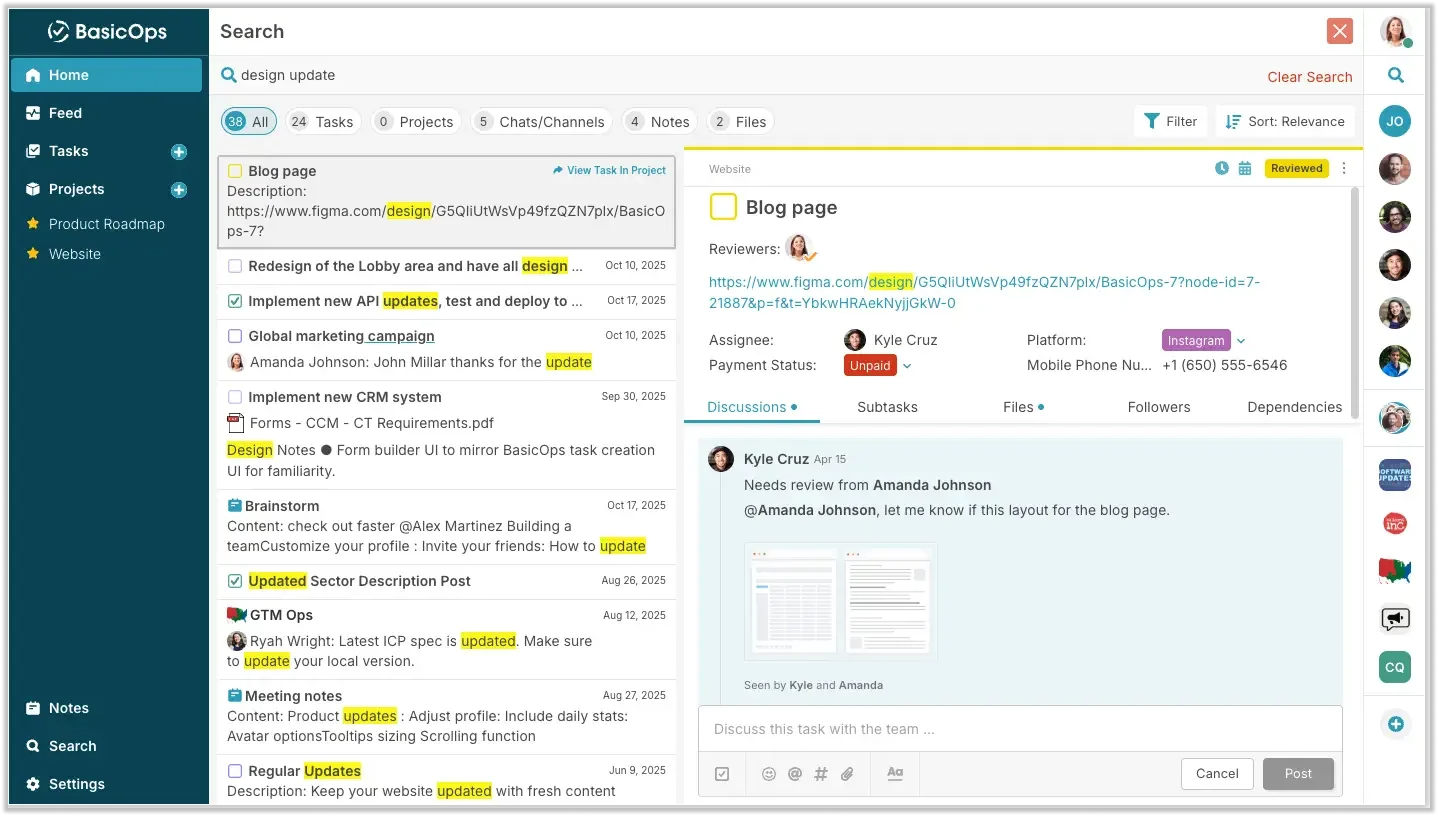
Unified search provides instant results across all your work.
Search the way you expect it
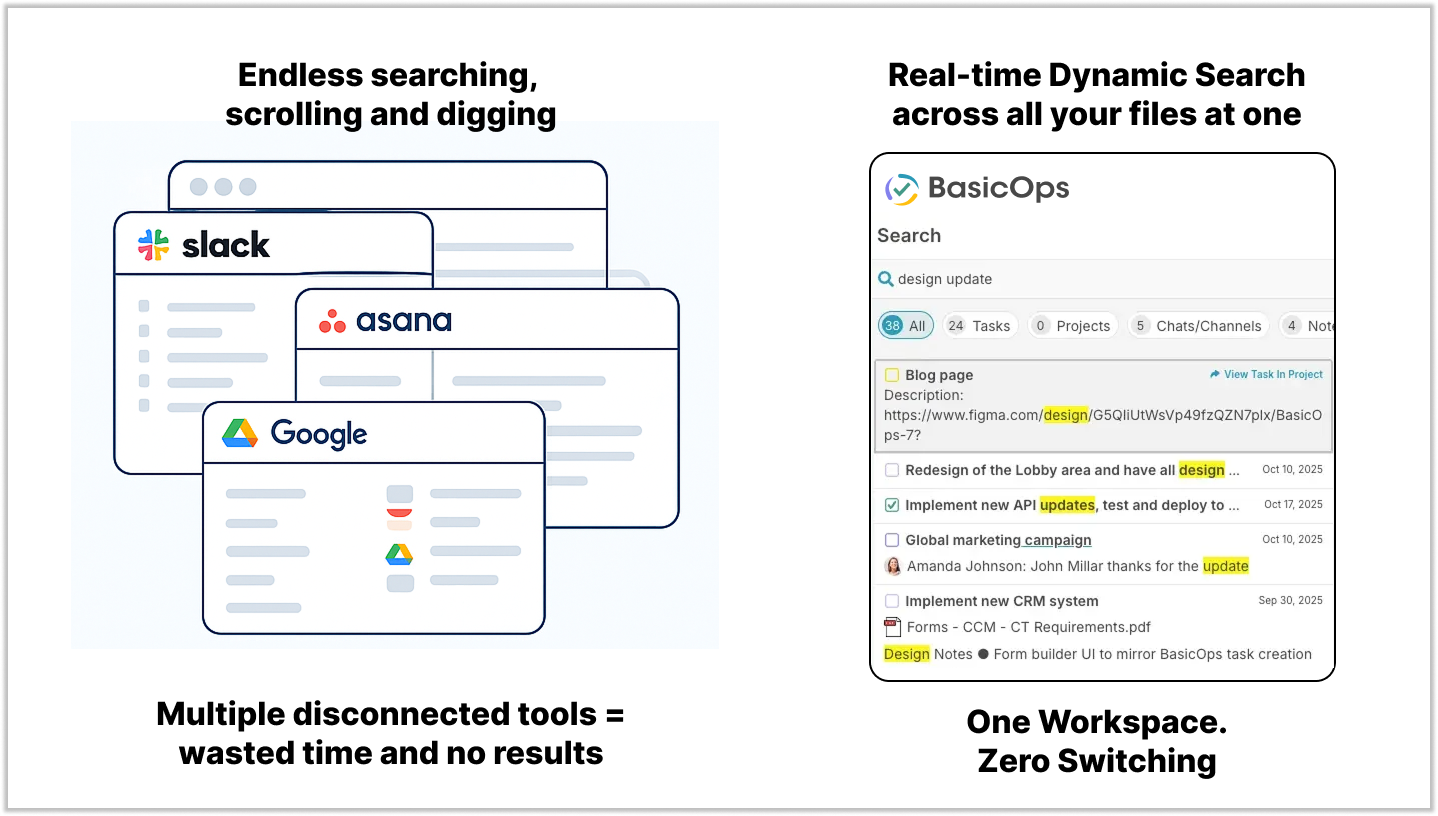
1. Unified results across all work items
Find messages, tasks, projects, notes and files in one search view. Every result is contextual so you see how items connect without losing your place.
2. Intelligent filters that adapt to you
Narrow results by person, project, or file type. Search “client update” by teammate or filter by file to find exactly what you need in seconds.
3. Instant previews for faster scanning
Preview content without leaving the search view. Whether it’s a chat thread or a document, you can decide what’s relevant before you click.
4. Keyboard shortcuts that keep you in flow
Tap TAB+/ anywhere in BasicOps to open search instantly. Power users move faster and teams maintain focus with zero interruptions.
How It Works
Click the search icon in the Left Sidebar or press TAB+/.
Type any keyword, task, or teammate name.
Use filters to refine results by project, tag, or file type.
Preview results directly within the search page.
Open the item instantly with one click to continue your work.
These small design choices compound into major time savings. Internal testing showed that users completed searches 35% faster and switched apps 40% less often when using Unified Search.
Less Searching, More Doing
Unified Search creates a new rhythm for teams. Instead of chasing files and threads, they stay in flow. Tasks, conversations, and notes all surface together in one clear result.
Teams using BasicOps reported:
30% faster completion time on multi-project tasks
Fewer missed updates across distributed teams
Higher satisfaction scores in post-project reviews
Unified Search doesn’t just save time. It rebuilds confidence that everything a team needs is right where they expect it to be.
Try Unified Search Today
Already using BasicOps? Open your workspace and start searching.
Still haven’t found what you’re looking for?
